Thank you! Your submission has been received!
Oops! Something went wrong while submitting the form.


YouTube is rolling out new AI creation features that let you generate video clips inside Shorts and automatically turn your camera roll into a first-draft edit. If you’ve seen “Veo 3 Fast” or “Edit with AI” and wondered what they actually do (and what they don’t), this guide breaks it down with clear steps, practical workflows, and the key limitations creators need to know.
Veo 3 Fast (in Shorts) is a YouTube-customized model designed to generate video quickly with low latency and output optimized for the Shorts experience (YouTube notes it’s optimized for 480p for faster creation). For higher resolutions like 720p, YouTube points creators to more advanced Veo offerings (e.g., Google Flow).
Veo 3 Fast is most useful when you need:
It’s not meant to replace a full editing workflow for long videos. You’ll still want a system for clipping, captions, formatting, and scheduling across platforms.
Edit with AI is a YouTube feature that turns raw camera roll footage into a compelling first draft by selecting your best moments and adding elements like music, transitions, and even a voiceover that reacts to what’s happening (YouTube mentions English or Hindi voiceover). It’s being experimented with on Shorts and in the YouTube Create app, rolling out in select markets.
Think of it as “auto-first-cut” rather than a full creative replacement.
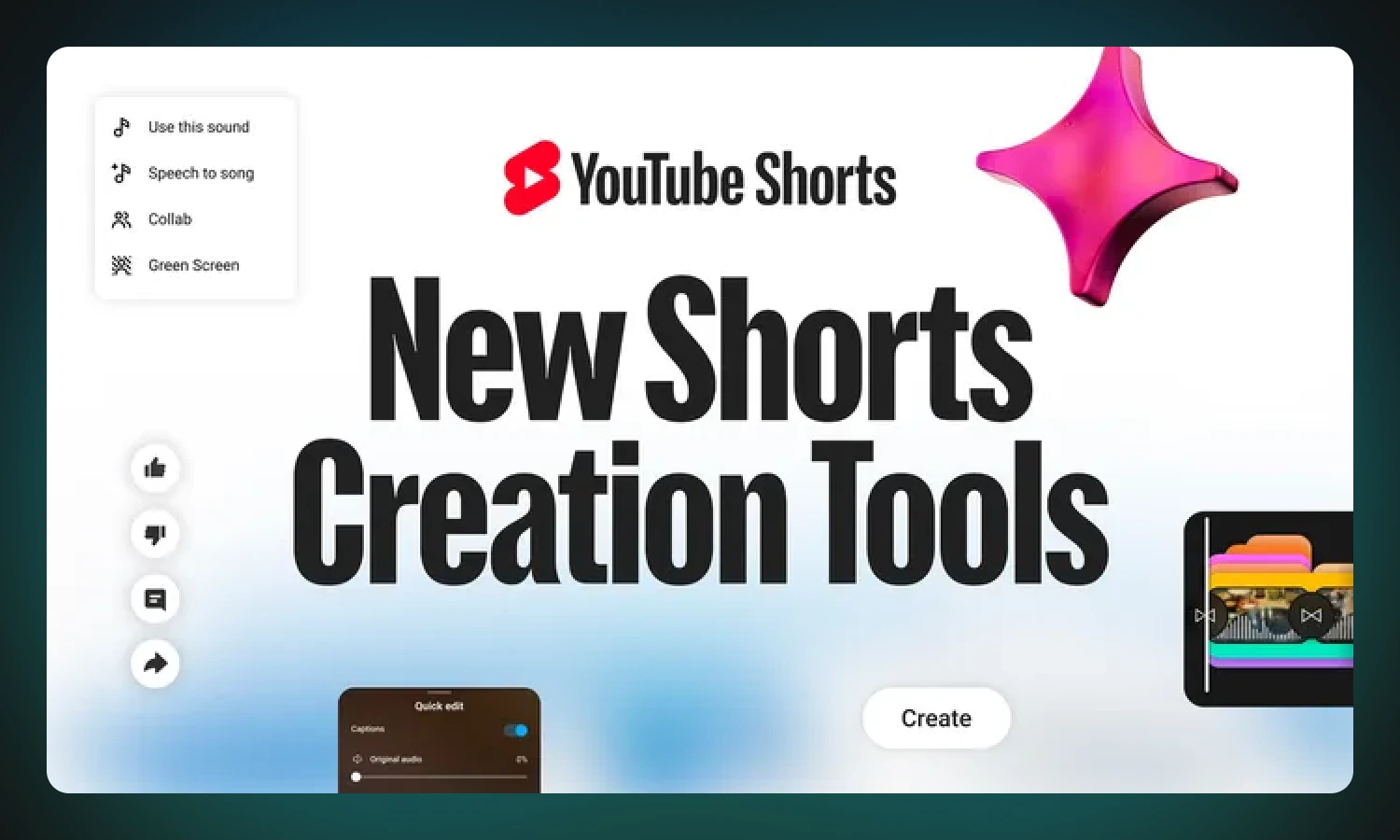
YouTube groups these as experimental AI-generated features for Shorts. You can generate green screen backgrounds or standalone video clips from text prompts. YouTube Shorts AI features
YouTube notes these AI features are available to creators in a long list of countries and typically require your device language set to English (with some feature exceptions by region).
YouTube says creators are responsible for ensuring AI-generated creations follow YouTube policies and Community Guidelines. It also notes safeguards and that prompts can be blocked, including sensitivity around photorealistic depictions of identifiable people.
For transparency, YouTube has stated it uses content labels and SynthID watermarks across these AI creation features.
If you want results that feel usable in real Shorts, prompt for simple scenes, clear action, and short duration energy.
Subject + action + setting + style + camera + mood
Example:
“Close-up of hands writing notes during a coaching session, warm desk lighting, modern minimal style, shallow depth of field, gentle camera push-in, calm and confident mood.”
Here’s the creator workflow that scales:
This avoids a common trap: creating random AI clips without a distribution system.
Not exactly. YouTube describes Veo 3 Fast as customized for Shorts and optimized for speed with 480p output, while higher-res creation may require other offerings.
YouTube has stated it uses AI labels and SynthID watermarking across these features for transparency.
YouTube describes Edit with AI as turning raw camera roll footage into a first draft by choosing moments and adding music/transitions (and potentially voiceover), with experiments rolling out in select markets.
Yes. YouTube notes safeguards, prompt blocking for policy/sensitive topics, and cautions creators to review outputs before publishing.
Veo 3 Fast is great for quick generated clips, but consistency comes from a system: clip long videos into Shorts, add captions, and schedule weekly. If you want a tool to do that, try Reap.
reap functions as a complete AI video editor and repurposing platform. It automatically generates subtitles, supports branded templates, offers AI voice dubbing and transcript‑based editing to remove filler words, and reframes for different aspect ratios. With multi‑language captions and built‑in scheduling, Reap consolidates tools like reels maker, dubbers and voice‑cloning software into one simple workflow.
Sam is the Product Manager at reap, and a master of turning ideas into reality. He’s a problem-solver, tech enthusiast, coffee aficionado, and a bit of a daydreamer. He thrives on discovering new perspectives through brainstorming, tinkering with gadgets, and late-night strategy sessions. Most of the time, you can find him either sipping an espresso in a cozy café or pacing around with a fresh brew in hand, plotting his next big move.
